免费is-cool.dev域名注册教程

准备

  • 一个Github账号

步骤

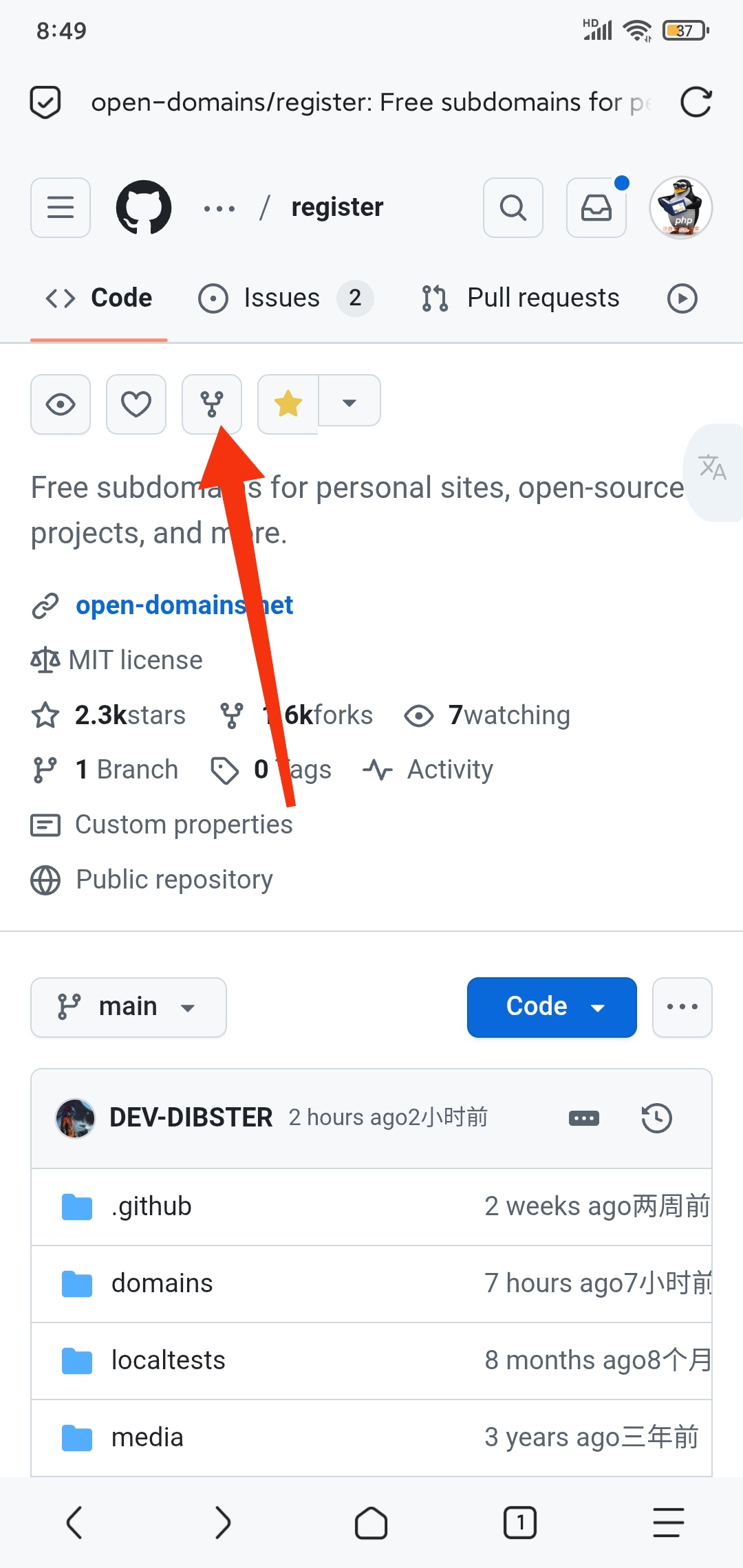
首先打开仓库链接,把仓库Fork一份
fork
确保你想要的域名没有被注册,然后在本地创建一个名为“你想要注册的域名.is-cool.dev.json”的文件,写入以下内容:

1
2
3
4
5
6
7
8
9
10
11
12
13
14
15
16
17
18
19
20
21
22
23
24
25
26
27
28
{
"description": "网站描述",
"domain": "is-cool.dev",
"subdomain": "你想要注册的域名",

"owner": {
"repo": "https://github.com/username/repo",
"email": "[email protected]"
},

"record": {
"A": ["1.1.1.1", "1.0.0.1"],
"AAAA": ["::1", "::2"],
"CNAME": "example.com",
"MX": ["mx1.example.com", "mx2.example.com"],
"TXT": ["example_verification=1234567890"],
"CAA": [
{ "flags": 0, "tag": "issue", "value": "letsencrypt.org" },
{ "flags": 0, "tag": "issuewild", "value": "sectigo.com" }
],
"SRV": [
{ "priority": 10, "weight": 60, "port": 5060, "target": "sipserver.example.com" },
{ "priority": 20, "weight": 10, "port": 5061, "target": "sipbackup.example.com" }
]
},

"proxied": false
}

接着把这个文件上传到你的仓库的domains文件夹中,提交文件
然后创建一个PR请求,把[ ]里面填上x,在<!-- Please provide a detailed description below of what you will be using the domain for. -->下面填写你要用这个域名干什么,比如博客,Umami服务什么的,在<!-- Please provide a link to your website below. -->下面提供你的网站链接
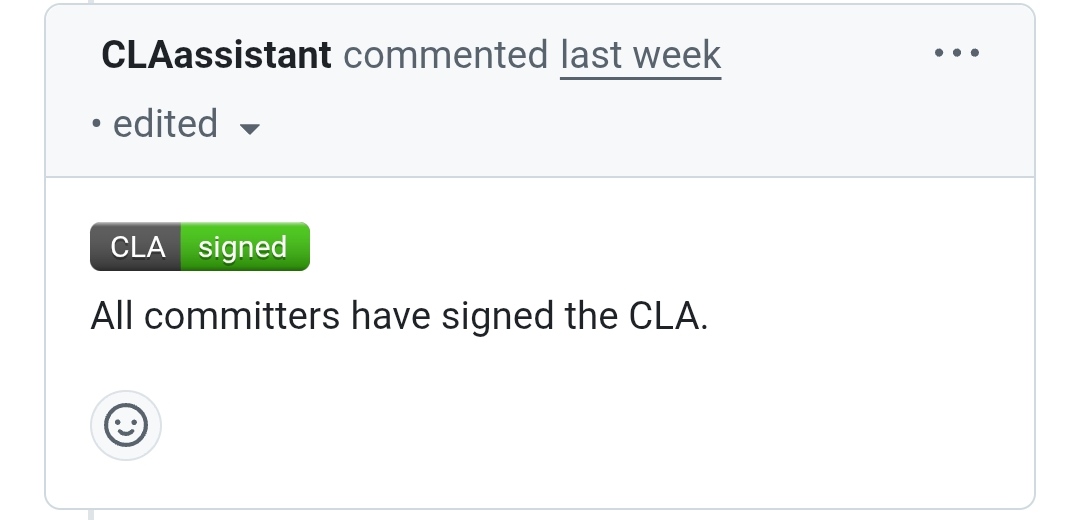
提交PR请求后,会有一个CLAassistant在下面评论一个链接和一句All committers have signed the CLA.
jpg
点击上面的链接,往下滑,登录Github,同意就行了
最后等待就行,一般1天左右的时间就会通过

补充说明

  1. 域名不能用于非法目的,这就是为什么要网站链接的原因
  2. 现在NS记录已经不能用了,想用的话要捐赠£1.00,大概10元人民币